Which Metrics Should an Artist Check Every Week
11 Nov 2026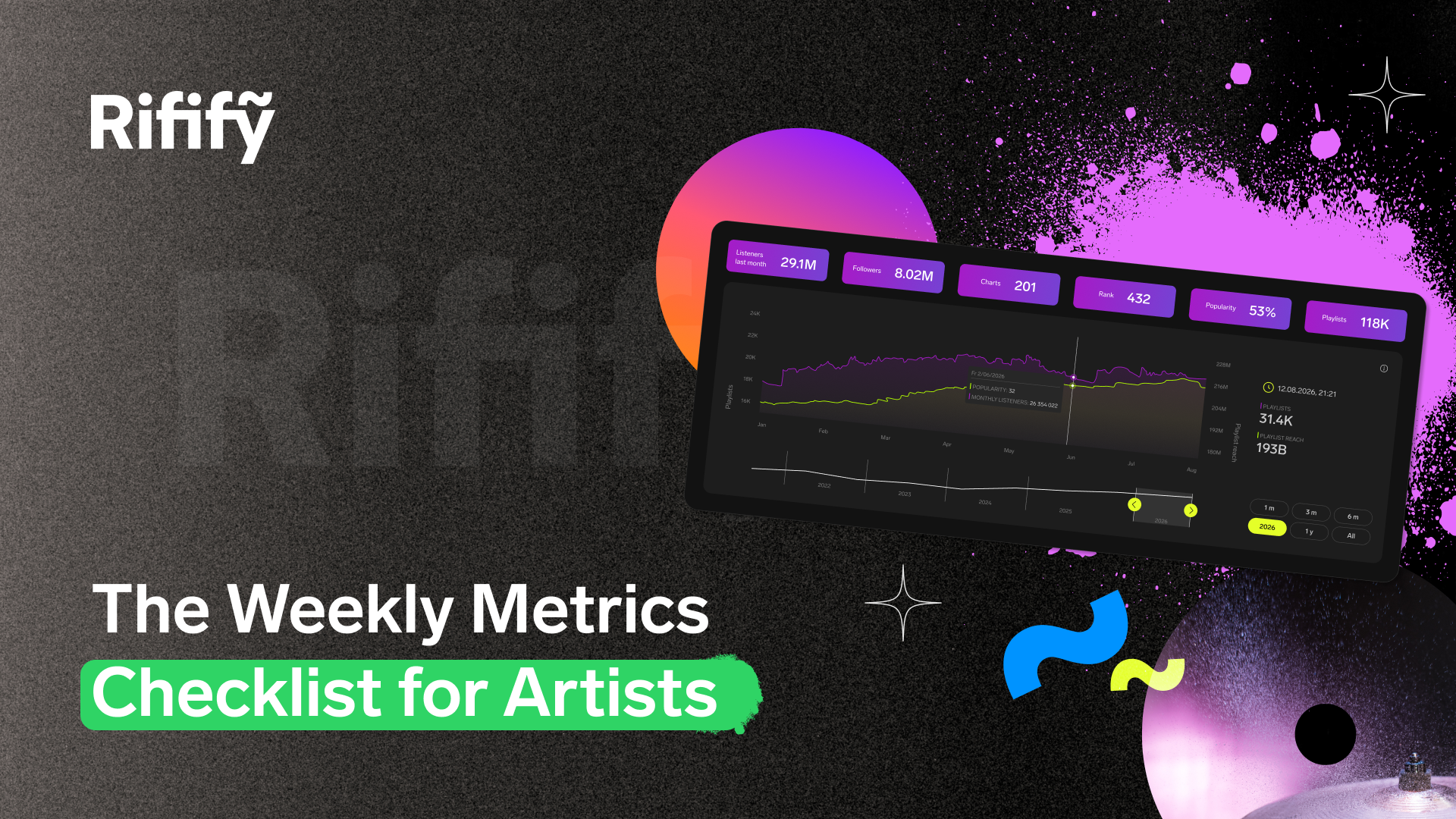
Weekly metric tracking helps you spot growth, declines, and new opportunities in time, rather than judging your career based on gut feeling. In Rifify, data on tracks, playlists, charts, streams, and social media is gathered in one place, so you can review it quickly and systematically.
Streams and track performance
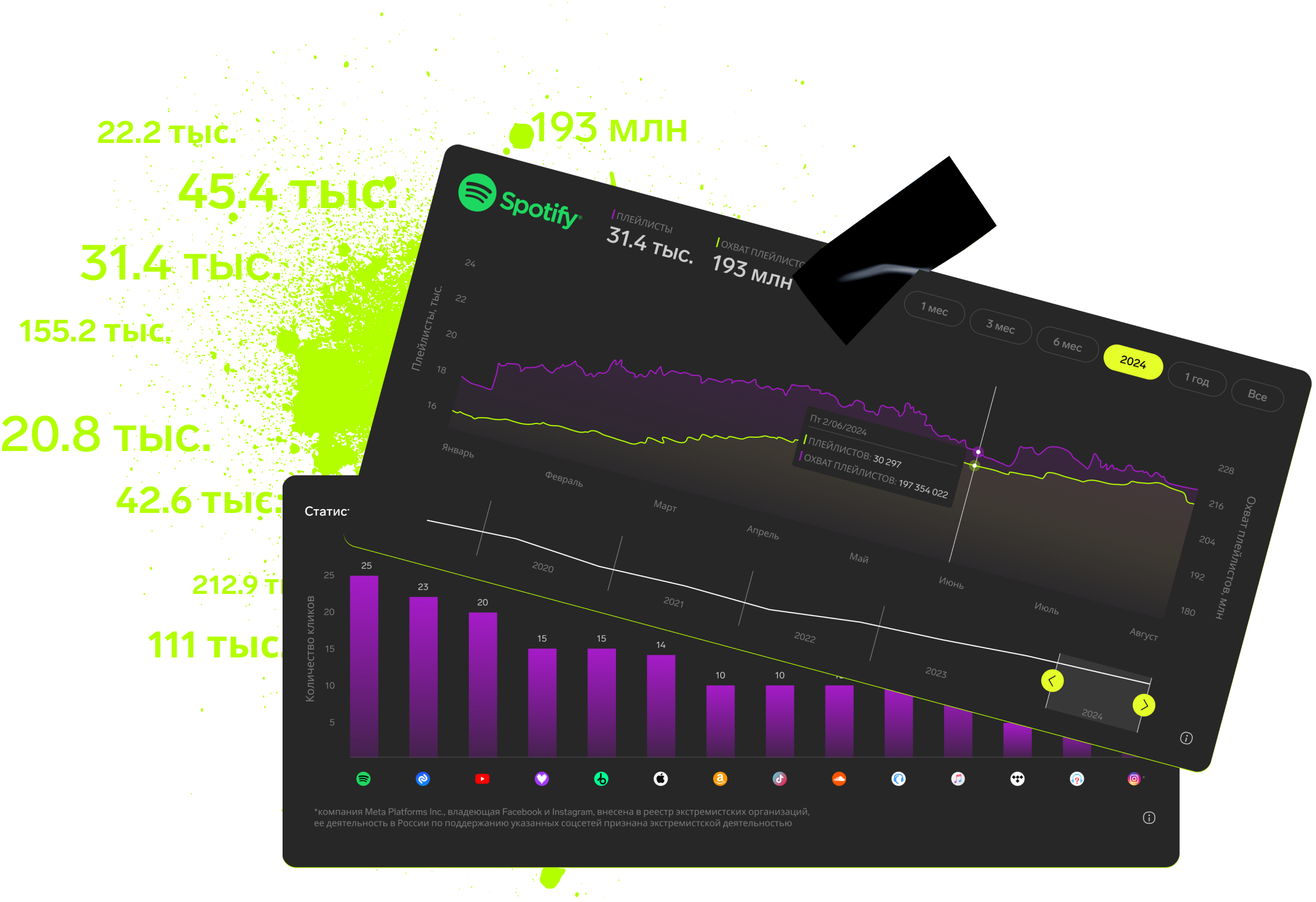
Each week, check how streams are changing for each track, album, and across your artist profile as a whole. Rifify lets you monitor charts of audience reach growth and decline, as well as view data in real time.
- Total streams for the week.
- Performance compared with the previous week: growth, stability, or decline.
- Which tracks are driving most of the growth, and which are losing audience.
- The response to new releases and promotional activity: did streams increase after a post, playlist placement, or mention?
Playlist placements
Playlists are an important source of music discovery, so it’s worth checking them regularly. Rifify sends notifications about new playlists and lets you see information about tracks featured in playlists in a single feed.
- Whether a track has been added to any new editorial or algorithmic playlists.
- Whether there is a correlation between a playlist placement and audience growth.
Chart positions
Once a week, check how your tracks are moving in the charts. Rifify tracks chart appearances and displays rankings, helping you understand how sustained interest in a release is.
- Your tracks’ current chart positions.
- Changes in position over the week: rising, holding steady, or falling.
- Which tracks have entered the charts for the first time.
- The relationship between chart positions, streams, and audience activity.
Audience and geography
A week is a convenient timeframe for updating your understanding of who is listening to you and where. Rifify shows your audience by region.
- Top cities and countries by streams.
- New regions showing notable growth.
- Locations where you should increase promotion or consider live performances.
Followers and mentions
Beyond streams, it’s important to track how audiences engage with you outside streaming platforms. Rifify collects follower data and sends notifications about new mentions.
- Follower growth over the week.
- New mentions on social media and in the press.
- The tone and context of mentions: are people discussing a new release, a concert, or a specific track?
- Growing interest after playlist placements, chart appearances, or viral posts.
How to work with this data
Make it a weekly routine: open the activity feed in Rifify, check notifications about streams, playlists, and mentions, then compare key metrics with the previous week. This approach lets you do more than collect numbers—it helps you build a development strategy based on what is actually working.
- Compare this week with the previous one, not just with your overall monthly performance.
- Note events that may have influenced growth: a release, playlist placement, mention, or chart appearance.
- If a metric declines for two weeks in a row, look for the cause in your content, promotion, or audience activity.
- Use Rifify’s detailed track analytics and AI assistant to identify patterns faster and plan your next steps.
The key rule is: don’t check everything indiscriminately—focus on the connection between streams, playlists, charts, audience, and mentions. It is this combination that shows whether interest in you as an artist is growing, rather than interest in just one individual track.
This structure aligns with common artist-analytics practice: weekly reviews of streams, playlist adds, audience geography, and social signals help distinguish meaningful trends from short-term fluctuations.
Subscription includes

Detailed track analytics
AI Insights
Real-time activity feed
Notifications about new streams, playlists and mentions
Automatically imported catalog
Pricing
Choose the right option and find out the final price
Maximum number of artists
Subscription duration
Total
$
Monthly cost per artist
$
By clicking the «Proceed to payment» button, you agree to the Privacy Policy
Couldn’t find the right option?