Choose Artists When Changing Your Plan
4 Jul 2026
We’ve added an easy way to choose artists when you buy a new subscription. If you have an active or expired subscription, you can now pick which artists to move to the new plan right when you change your tariff.
How it works
- 1.After you pick a plan in the calculator click “Save and continue” — an artist selection window will open.
- 2.If you start the purchase from an artist’s page the window will show artists from your active or expired subscription plus the artist whose page you started from.
You can:
- choose no one,
- choose any available artist,
- choose a combination of artists from your old subscription and the artist whose page you used to start the purchase.
The number of selected artists cannot exceed the number of slots in the new subscription you chose in the calculator.
- 3.If you start the purchase not from an artist’s page (for example, via the account button) the window will show only artists from your active or expired subscription.
The rules are the same: you can choose no one, one, or several artists, but not more than the available slots in the new subscription.
Why this is useful
- Quickly move the artists you need when switching plans.
- Leave empty slots for future artists.
- Fewer clicks — everything is on one screen right after you choose a plan.
Subscription includes

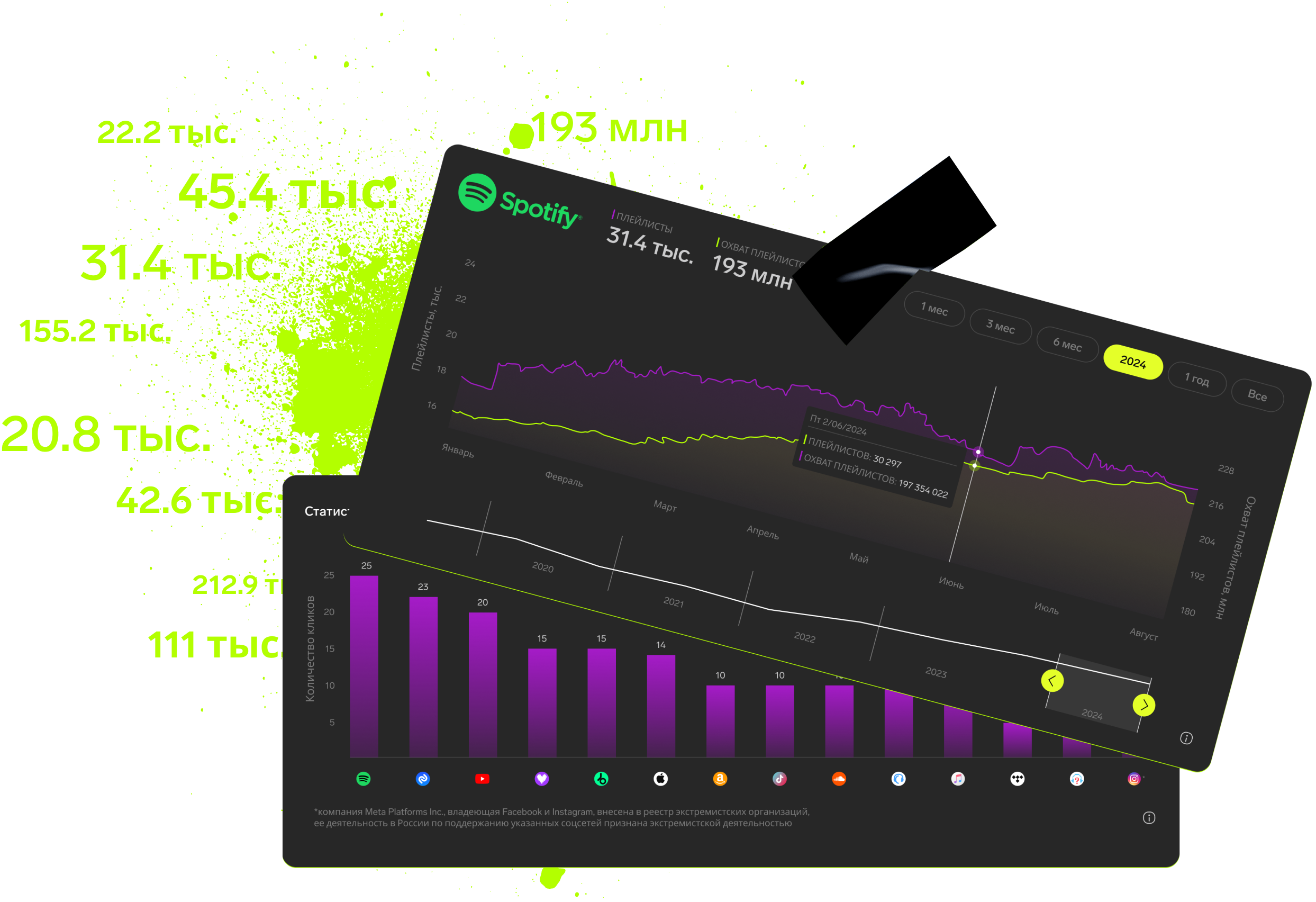
Detailed track analytics
AI assistant
Real-time activity feed
Notifications about new streams, playlists and mentions
Automatically imported catalog
Pricing
Choose the right option and find out the final price
Maximum number of artists
Subscription duration
Total
$
Monthly cost per artist
$
By clicking the «Proceed to payment» button, you agree to the Privacy Policy
Couldn’t find the right option?