Steps to Take if Your Streams Stop
27 Nov 2025
When streams stop growing or start dropping sharply, it's a sign to rethink your approach and take some key actions. Here's a checklist of steps to diagnose and fix streaming drops:
- 1.Check for Technical Issues
- Restart your device and router; internet problems can cause data or access issues.
- Update your streaming app to the latest version.
- Clear the app cache or reinstall if needed.
- Verify your account is active with no subscription or block issues.
- If distributing via an aggregator, confirm all metadata and files are correctly uploaded.
- 2.Analyze Metrics and Data
- Look at stream trends across platforms; is the drop universal or platform-specific?
- Check listener geography; did your audience makeup or reach in key regions change?
- Identify which tracks lose streams and review their quality and promotion.
- Assess engagement like likes, shares, and comments on social media linked to your music.
- 3.Review Marketing Activity
- Confirm if promotional campaigns, ads, or influencer collaborations have paused.
- Check posting consistency and audience interaction on social media.
- Refresh content visually or with new video/post formats if needed.
- 4.Update Your Promotion Strategy
- Use analytics tools to get fresh insights on what's working.
- Plan ads targeting new listener groups.
- Run giveaways or collaborations to renew excitement around new releases.
- 5.Revive Activity
- Schedule a series of posts and announcements to regain listener interest.
- Host live streams, Q&A sessions, or direct fan interactions to boost engagement.
- Update your playlists and encourage fans to share them.
- 6.Get Help When Needed
- Contact streaming service support for ongoing technical issues.
- Consider consulting an experienced music marketer or promoter.
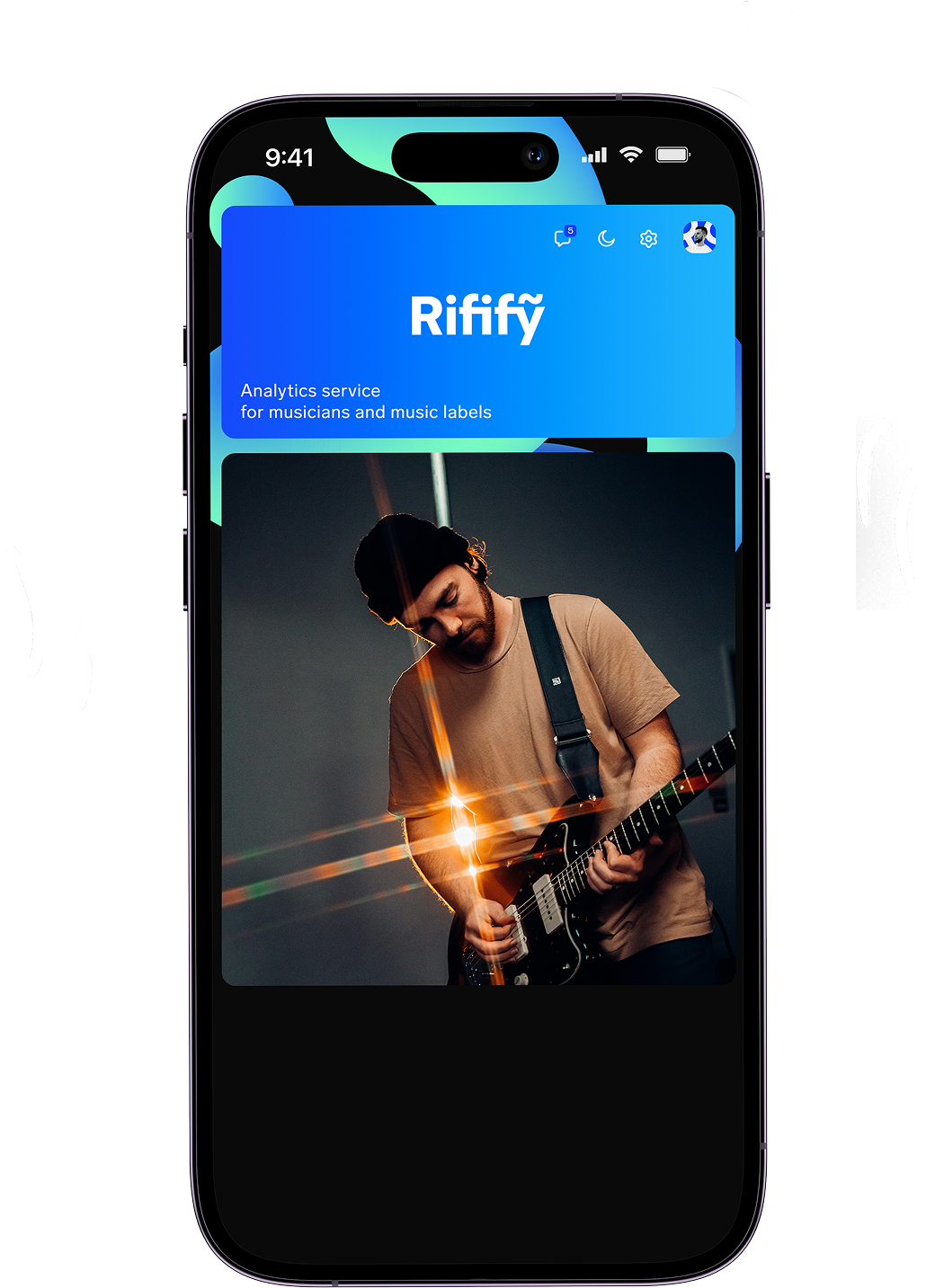
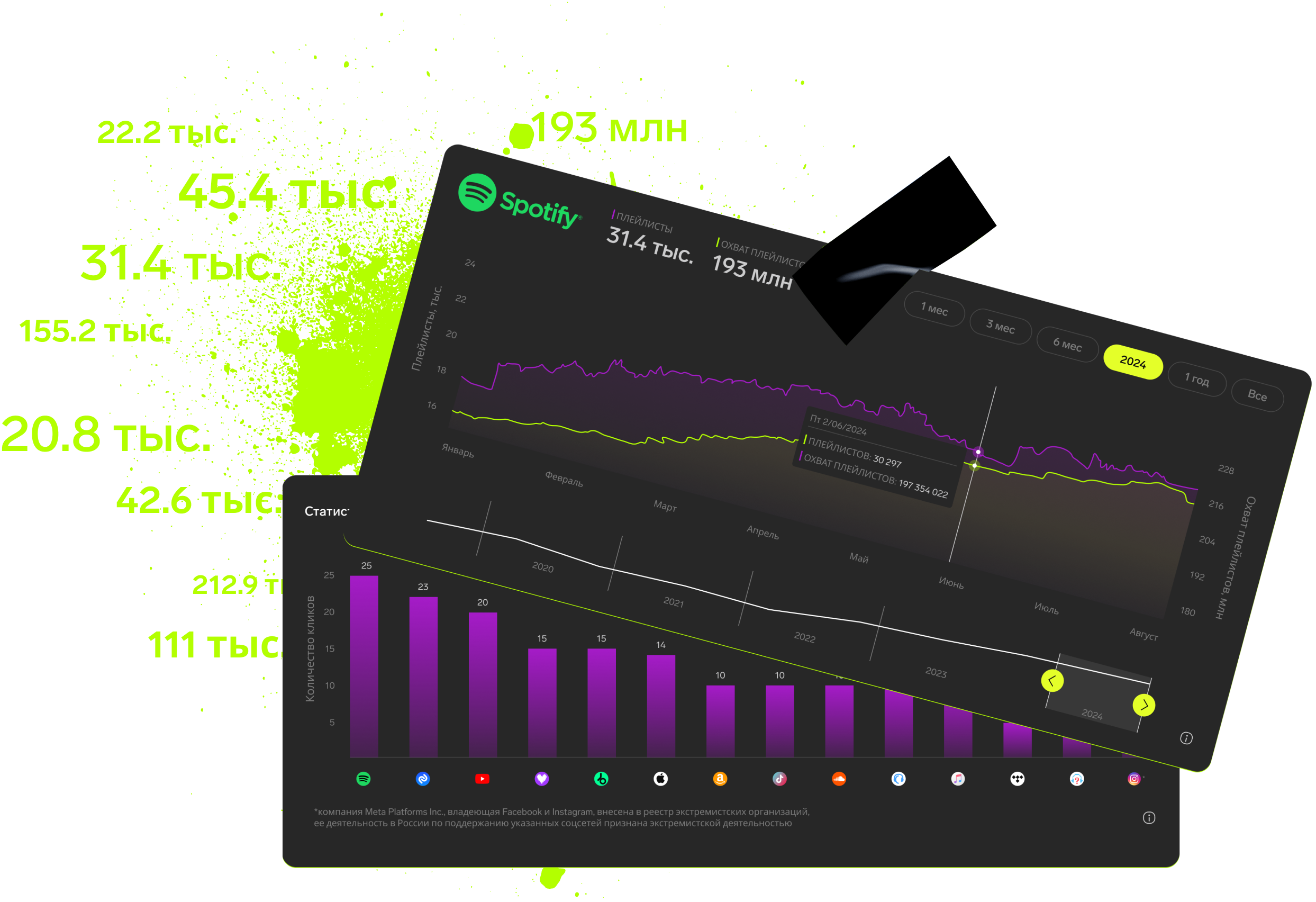
Consistent monitoring and quick reaction to stream slowdowns help keep your music relevant and fans engaged. Besides numbers, focus on quality fan relationships to refine your promotional strategy. Tools like Rifify are especially helpful—they gather key analytics in one spot for fast, targeted decision-making and promotion.
This approach aligns with common Spotify user advice, including restarting apps, checking account status, and refreshing marketing efforts, helping artists bounce back from streaming dips effectively.
Subscription includes

Detailed track analytics
AI assistant
Real-time activity feed
Notifications about new streams, playlists and mentions
Automatically imported catalog
Pricing
Choose the right option and find out the final price
Maximum number of artists
Subscription duration
Total
$
Monthly cost per artist
$
By clicking the «Proceed to payment» button, you agree to the Privacy Policy
Couldn’t find the right option?