Rifify for Spying: How to Build a Competitor Profile in 5 Minutes
19 Apr 2026
Rifify is a key music analytics tool that helps artists, labels, and managers gather data on tracks, playlists, and audiences across 14+ streaming platforms like Spotify, Apple Music, and more. With it, you can build a full competitor profile in just 5 minutes, spotting their strengths and weaknesses to tweak your promotion strategy. It’s a legal, ethical way to gain a market edge.
This article shows you how to use Rifify to analyze charts, audiences, and track growth trends for your competitors. It saves hours of manual searching by delivering automated data from reliable sources. In the end, you’ll adapt your music to proven success patterns.
What “Spying” Means in Rifify
“Spying” here is just collecting public metrics: streams, playlist adds, listener geography, and growth trends. Rifify aggregates this data without invading privacy — everything is openly available on platforms like Spotify or YouTube Music. For example, if you’re in jazz or ethno-jazz, analyze a top artist and see which playlists are pushing their tracks up.
Step 1: Sign Up and Find Your Competitor (0–1 minute)
First, register at rifify.ru — it takes about 30 seconds. Enter the competitor’s artist name or track title in the search bar. The system instantly pulls up their profile with an activity overview: key metrics and links to details right away. A subscription unlocks data for the last 30 days.
Step 2: Analyze Charts and Playlists (1–2 minutes)
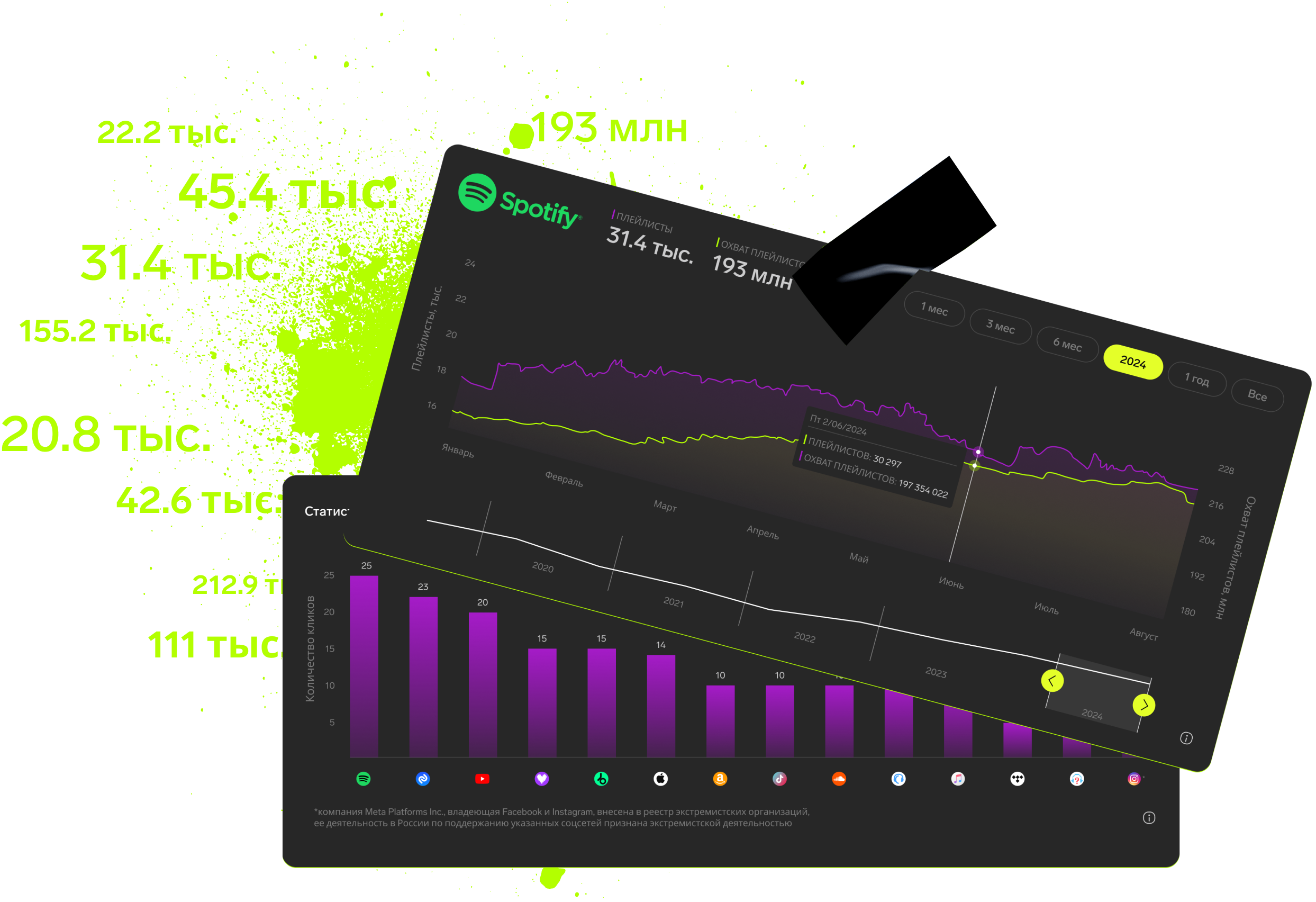
Go to the “Analytics” section — it shows track positions across platforms over a set time. Then check “Activity”: see playlist adds, curator names, and their impact on streams. Note the top 3 playlists driving the most growth — these are your pitching targets.
Step 3: Audience and Geography (2–3 minutes)
In the “Audience” block, get listener demographics. Compare them to your own audience. Don’t skip retention metrics: daily and monthly streams reveal fan loyalty.
Step 4: Tracks and Growth (3–4 minutes)
On the “Analytics” tab, sort tracks by popularity and check reposts and streams. Study growth charts: spikes might tie to a new release or influencer playlist. Compare with your tracks for ideas on releases, artwork, or promo campaigns.
Step 5: Compile Profile and Insights (4–5 minutes)
Export data to PDF or CSV directly from the interface (available on paid plans). Summarize: competitor strengths (e.g., viral playlists), weaknesses (e.g., narrow geography), and your action items. For clarity, use a table like this:

Final Tips
Track competitor growth in Rifify with daily notifications. Free plans have limits, so upgrade for deep dives. Start now: pick a competitor in your niche and build their profile — your first step to chart-topping leadership.
Subscription includes

Detailed track analytics
AI assistant
Real-time activity feed
Notifications about new streams, playlists and mentions
Automatically imported catalog
Pricing
Choose the right option and find out the final price
Maximum number of artists
Subscription duration
Total
$
Monthly cost per artist
$
By clicking the «Proceed to payment» button, you agree to the Privacy Policy
Couldn’t find the right option?