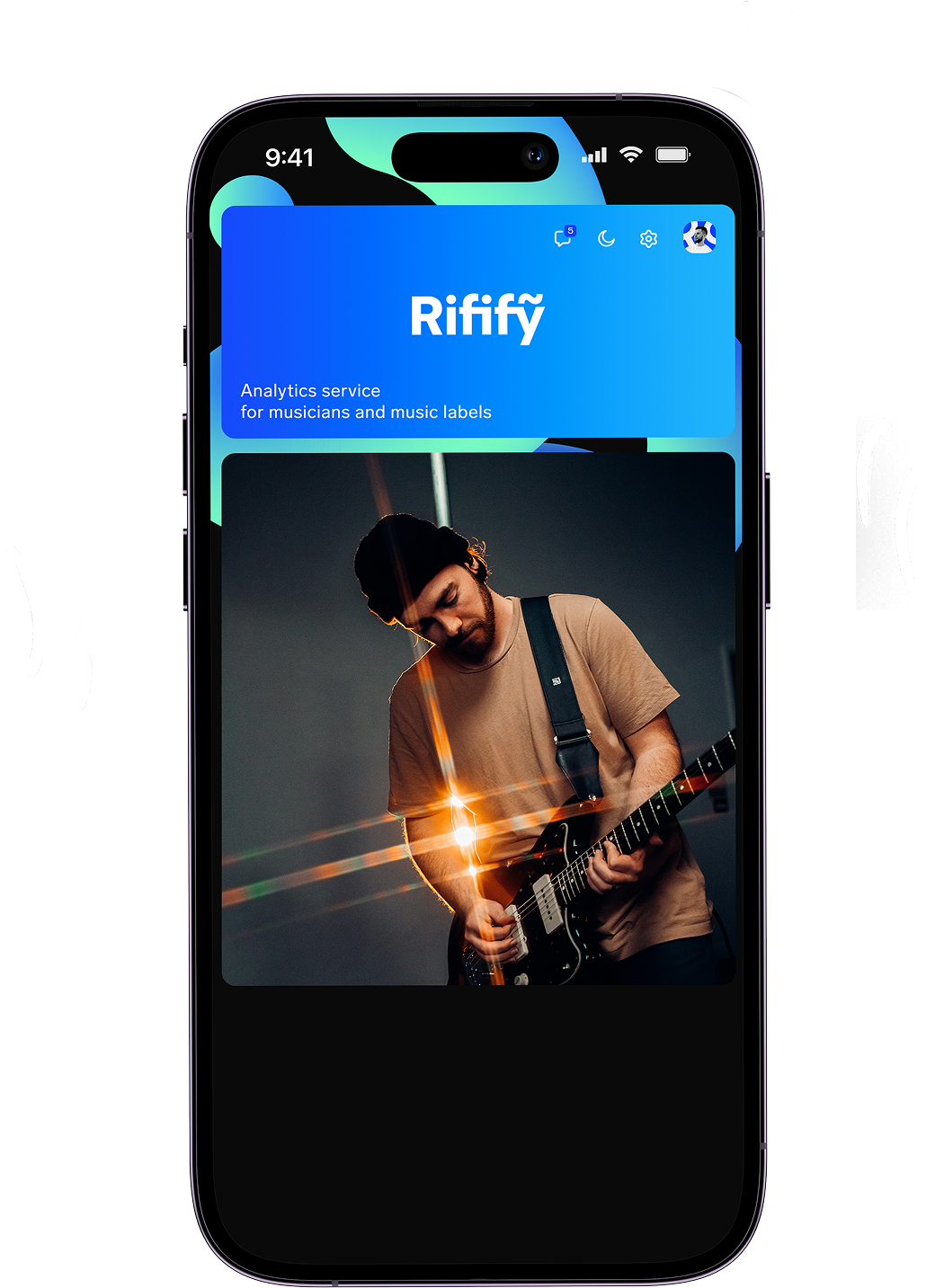
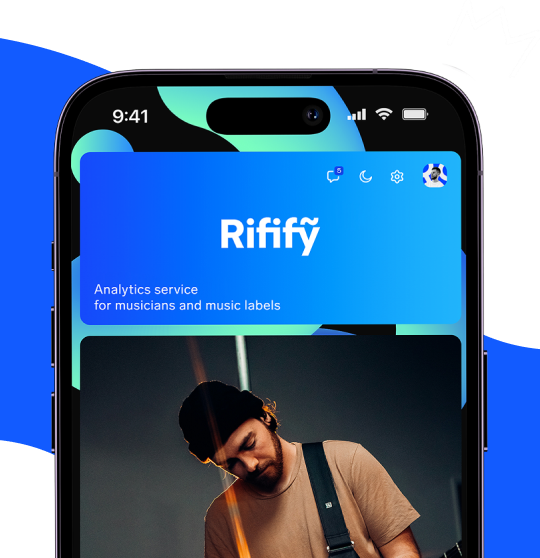
Service updates
Rifify Can Now Be Added to Your Home Screen
6 Jul 2026
Good news — you can now add Rifify to your phone’s home screen and open it like a regular app.
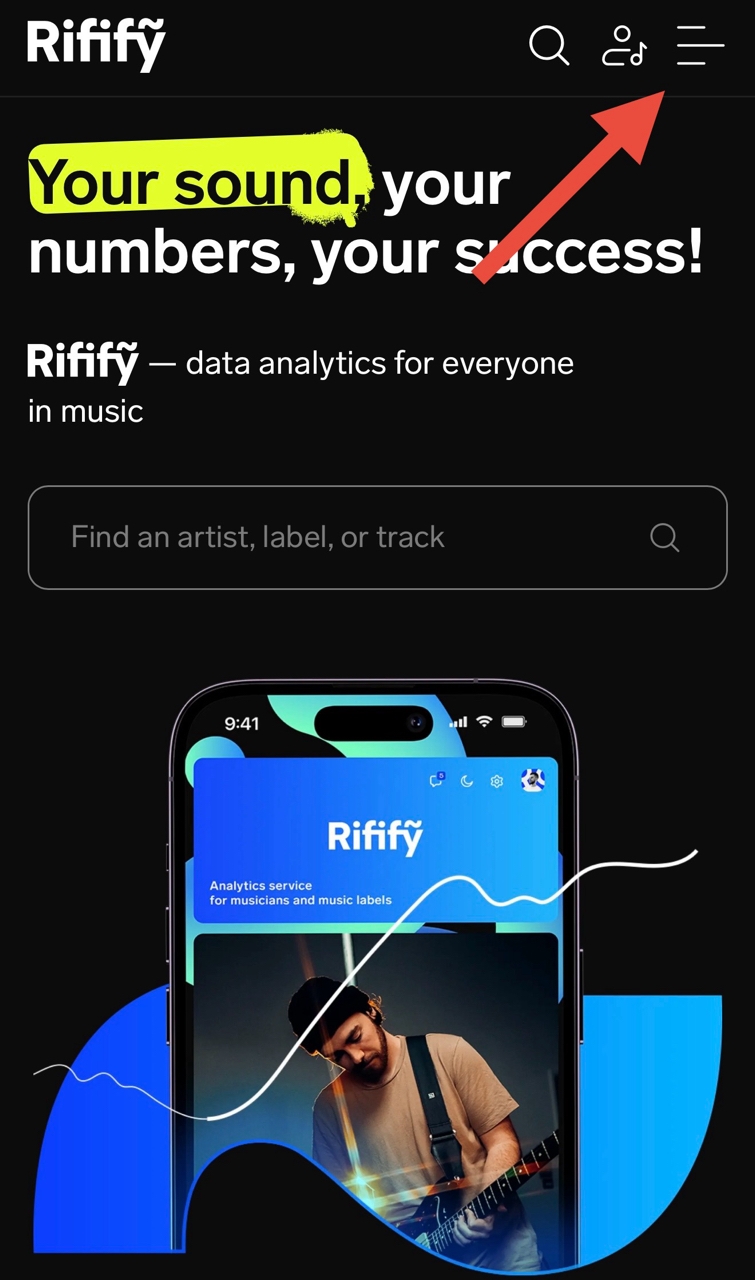
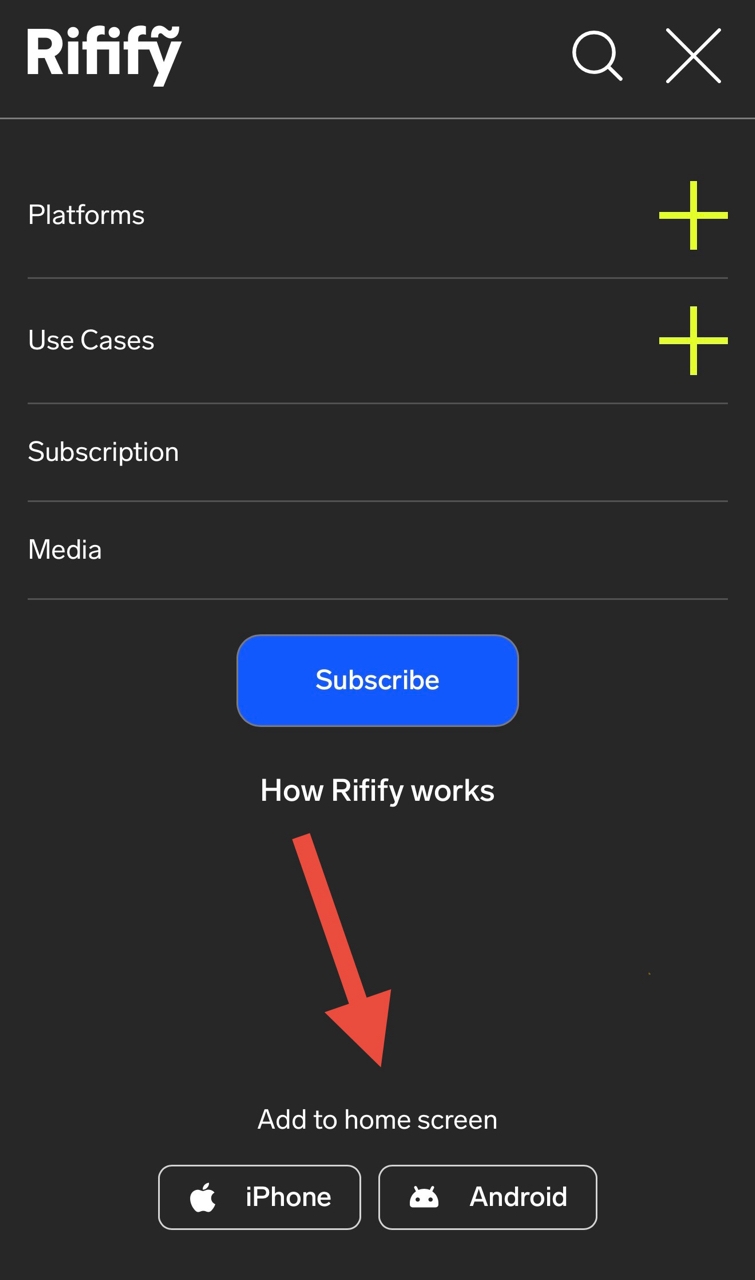
How to add Rifify to your iPhone home screen:
- Open Rifify’s mobile site in Safari and tap the Share button
- In the menu that appears, choose “Add to Home Screen”
- Tap “Add” in the dialog
- After it’s added, close the hint by tapping “Got it” or the X, then find the Rifify icon on your home screen
How to add Rifify to your Android home screen:
- Open Rifify’s mobile site, tap the menu in the top-right, choose “Android” in the popup, and confirm the download to start installation.
The Rifify mobile app makes analytics easier: instant access from your home screen, smooth performance, and reduced data usage. Add it now!
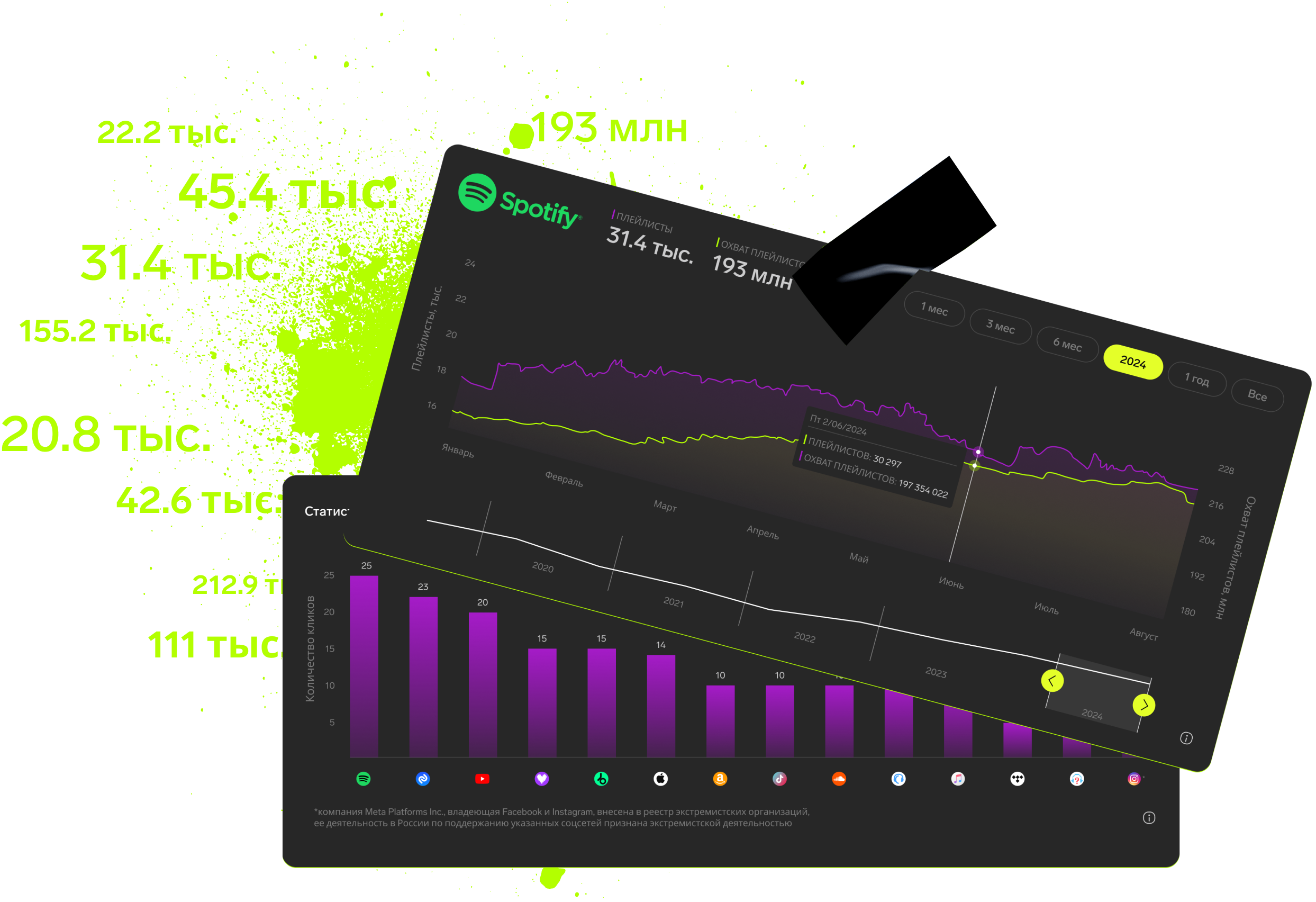
Subscription includes

Detailed track analytics
AI assistant
Real-time activity feed
Notifications about new streams, playlists and mentions
Automatically imported catalog
Pricing
Choose the right option and find out the final price
Maximum number of artists
15102050
Subscription duration
1 month6 month12 month
Total
$
Monthly cost per artist
$
By clicking the «Proceed to payment» button, you agree to the Privacy Policy
Couldn’t find the right option?