How to Use Rifify Data for Predicting Music Trends
26 Feb 2026
Rifify is a powerful music analytics service that aggregates data from over 14 platforms, including Spotify, Apple Music, YouTube, to help artists, labels, and managers forecast music trends using real metrics.
What is Rifify and Its Key Data
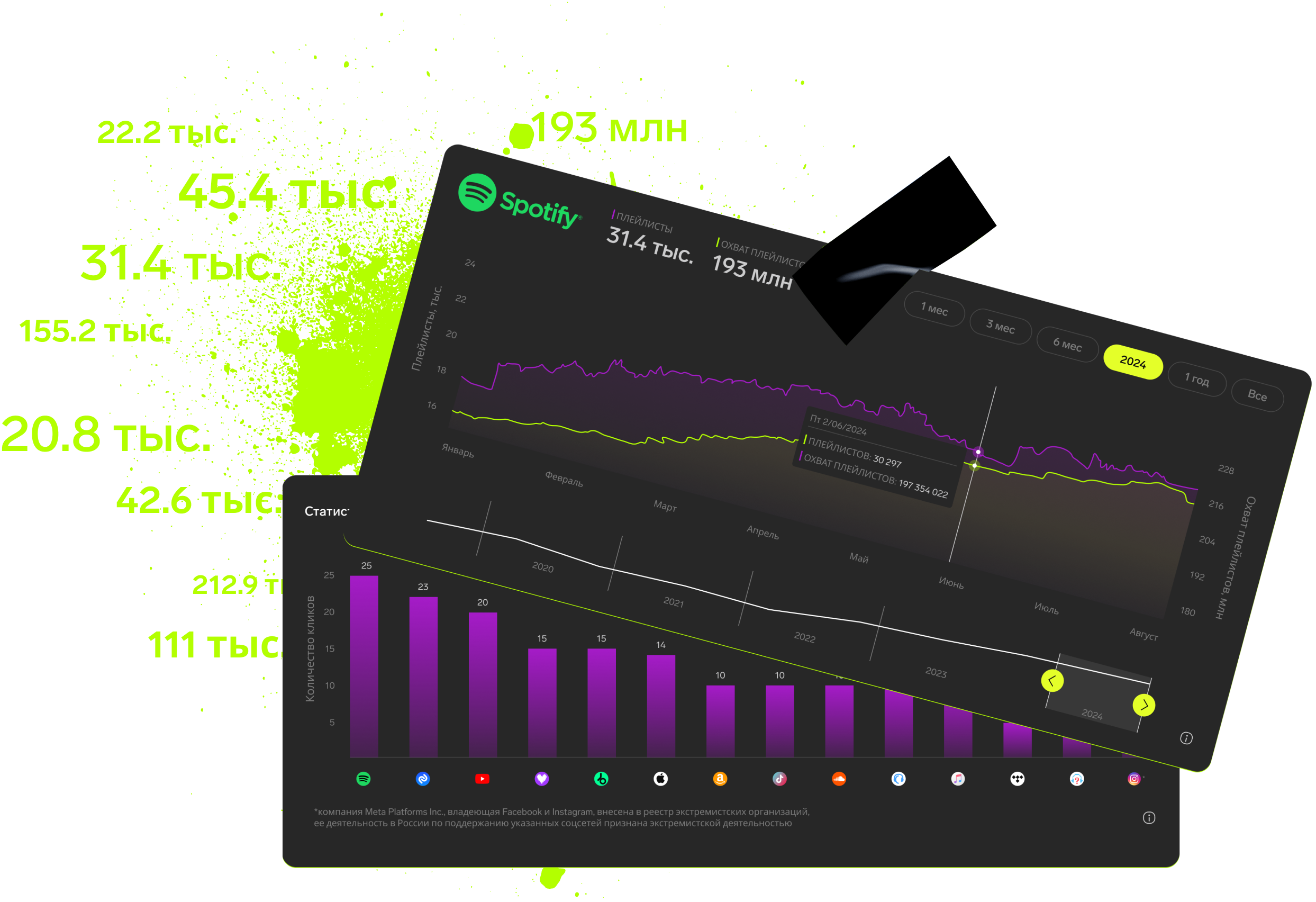
Rifify gives you access to millions of data rows on tracks from the past 5 years, covering streams, chart positions, audience engagement, and playlist monitoring. You can track real-time dynamics, analyze listener geography, and spot artist growth. This shifts you from reactive decisions to strategic release planning.
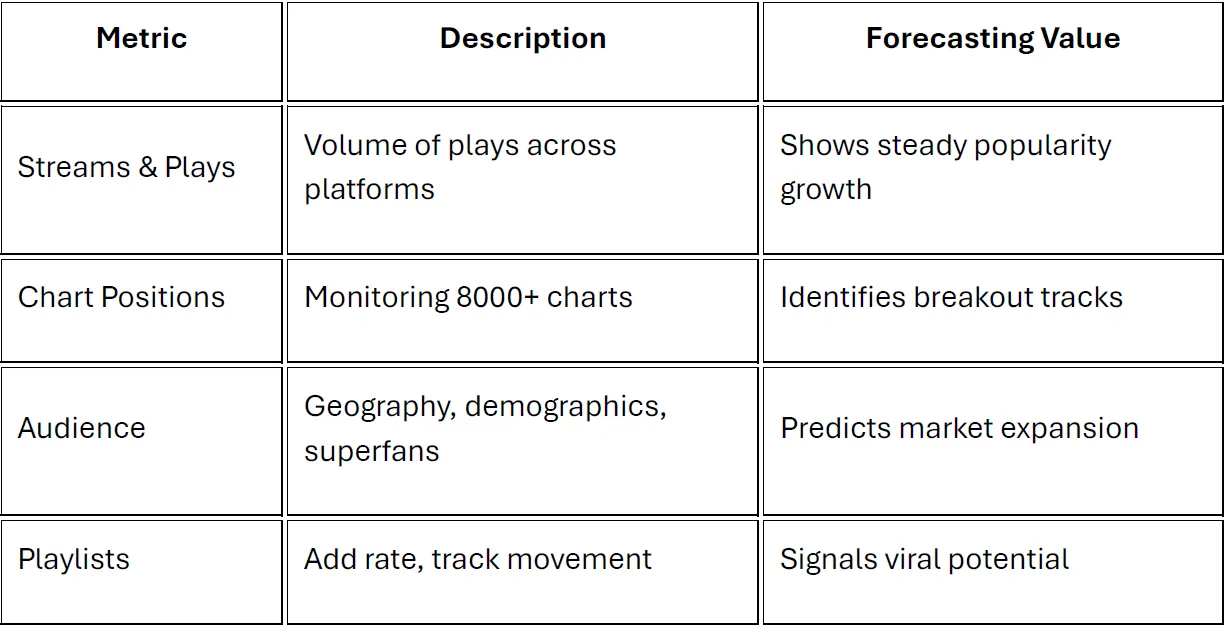
Key Metrics for Trend Analysis
Focus on core indicators: stream growth, add rate to playlists, chart positions, and audience demographics. Compare data across platforms to spot cross-platform surges — like a TikTok spike before Spotify chart entry. These metrics reveal early trend signals, such as genre blends or regional hits.
Steps to Work with Rifify Data
Start by connecting your accounts in Rifify and selecting artists for monitoring. Next, analyze time series: use stream growth charts with moving averages or simple comparisons to spot trends. Cluster data by genre or region to predict hits — for instance, growth in niche curator playlists often leads to mainstream takeoff.
For advanced forecasting, export data to Excel and build time series models. Regularly update dashboards to catch shifts early.
Practical Forecasting Tips
Test hypotheses: if streams jump 20% in a week, ramp up promo there. For labels, Rifify excels at portfolio analysis — rank artists by potential and invest in rising trends.
With Rifify, you don’t just view data; you predict hits and stay ahead of the competition.
Subscription includes

Detailed track analytics
AI assistant
Real-time activity feed
Notifications about new streams, playlists and mentions
Automatically imported catalog
Pricing
Choose the right option and find out the final price
Maximum number of artists
Subscription duration
Total
$
Monthly cost per artist
$
By clicking the «Proceed to payment» button, you agree to the Privacy Policy
Couldn’t find the right option?