How to Pick Playlists with “Hot” Tracks: Step by Step
13 Apr 2026
Imagine this: your track lands in a trending playlist. Within 24 hours, you’ve got thousands of new streams, listeners start saving your track to their favorites, and Spotify algorithms push it further into recommendations. That’s the power of playlists — after all, nearly 70% of streams come from them.
In today’s streaming world, platforms like Spotify, Apple Music revolve around hot tracks — songs that explode in popularity, go viral on TikTok, and climb the charts lightning-fast. These tracks are your roadmap to discovering playlists that can help your music grow. Here’s how to find them and make sure your track gets noticed.
Step 1: Understand What “Hot Tracks” Are
Hot tracks are songs currently dominating the charts and user playlists. To spot them:
- Check global and local charts like Spotify Viral 50, Apple Music Hot Tracks, and YouTube Trending.
- Track growth indicators — such as a 50% increase in streams in one week or a sudden rise in playlist additions.
- A simple example: a track pulling in one million streams per day and blowing up on TikTok is definitely a hit.
💡 Pro tip: Don’t chase only mainstream hits. Explore niche genres — indie rock, Latin, alternative — where playlists are often more open to new artists.
Step 2: Gather Data on Tracks and Playlists
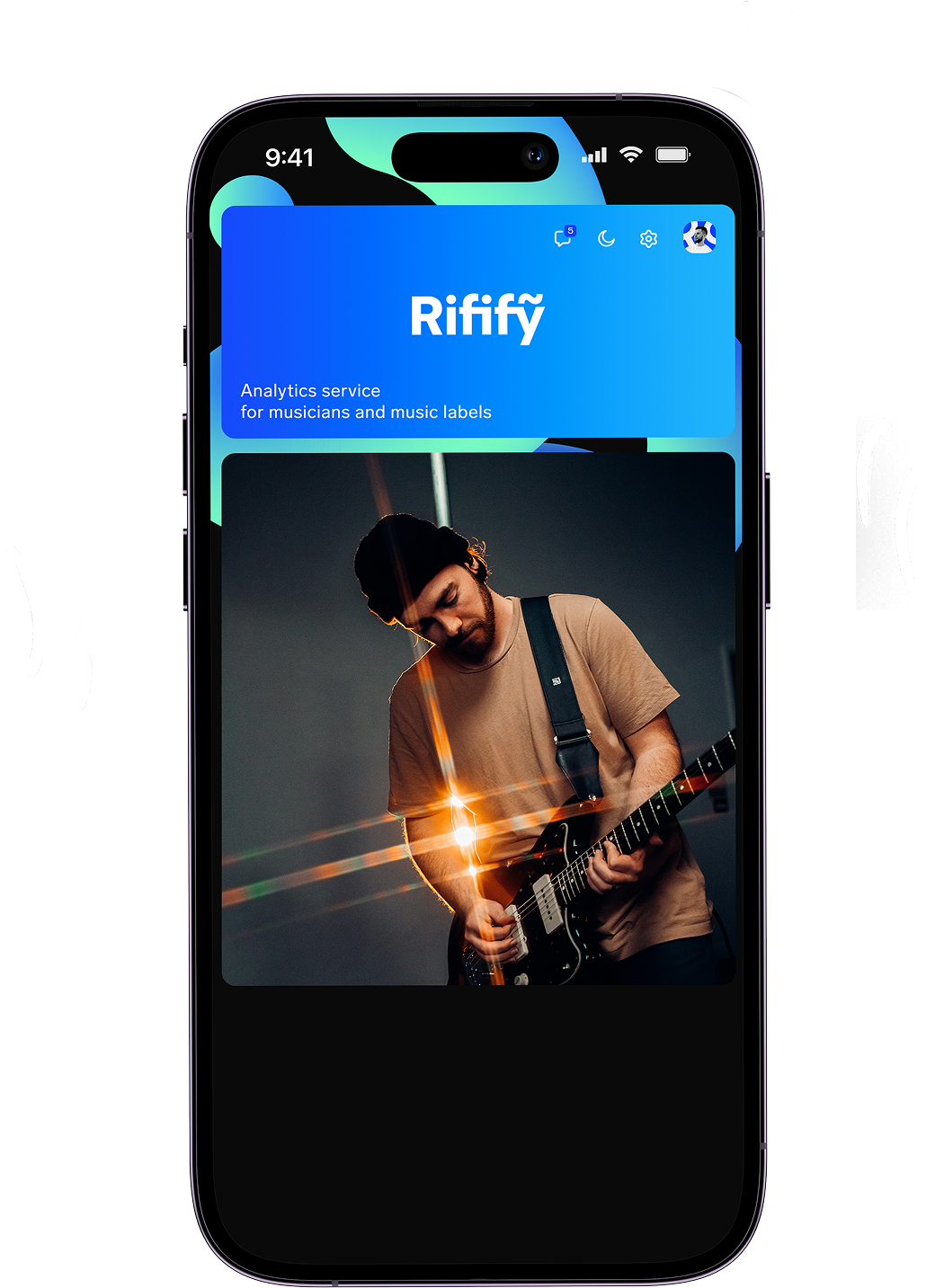
To make smart decisions, you need data. That’s where Rifify becomes your go-to tool. It gathers analytics across all major streaming platforms in Russia and the CIS, helping you identify music trends and playlist activity.
Here’s how to use it effectively:
- 1.Sign up at rifify.io
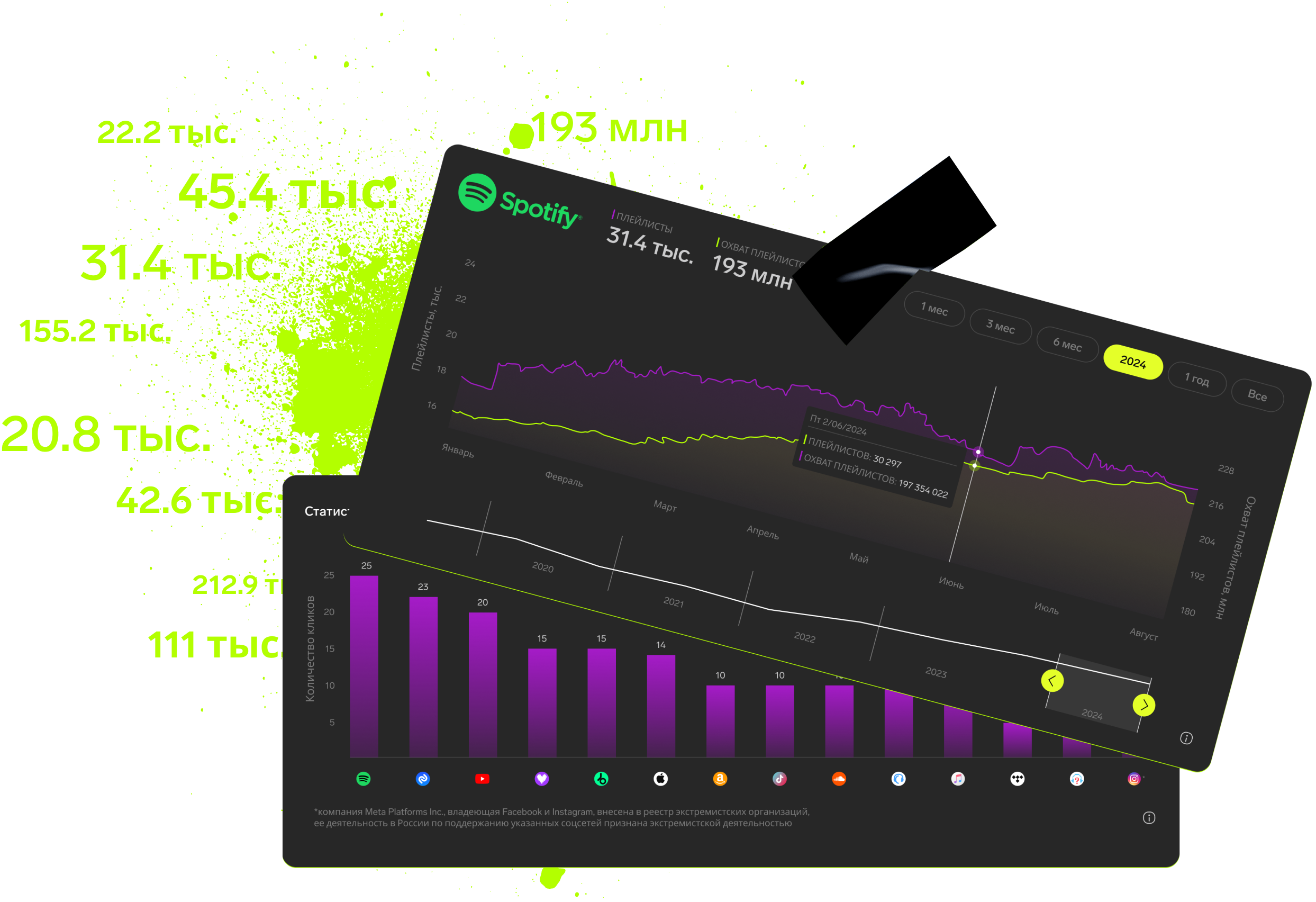
- 2.Search for a track or artist — you’ll see stream growth charts, chart positions, and top streaming countries (the paid plan unlocks data for the last 30 days).
- 3.Go to the “Playlists” section to explore where a track is currently featured.
This gives you a clear picture of where hot tracks live — and which playlists tend to attract them.
Step 3: Evaluate a Playlist’s Quality
Not all playlists deliver results. Some are inactive or filled with bots, while others can genuinely boost your reach. Before pitching your track, look closely at:
- Save rate: More than 30% of listeners add the playlist’s songs to “Favorites.”
- Completion rate: Over 70% of tracks are played through to the end.
- Follower growth: At least +10% per month — an active audience.
- Genre match: About 80% of the tracks sound similar to your style.
These are simple but powerful signals that tell you whether a playlist can actually grow your audience.
Step 4: Pitch to Fresh Playlists First
Trends move fast — so should you. New or rapidly growing playlists tend to favor fresh tracks.
Start by reaching out to curators with a personal, concise message. Then test your results: submit your track to 5–10 playlists and check the streaming stats after a few days.
Example: If you make hip-hop, target rising hip-hop playlists that are just starting to gain followers — they’re often more open to new artists and will generate early traction.
Step 5: Track, Measure, Improve
Analytics are your best feedback loop. Each day, check your stats in your artist dashboards and Rifify.
- Find which playlists gave you a 20%+ boost in streams.
- Keep a list of your most effective ones.
- Scale up by gathering 50+ playlists and rotating new tracks in regularly.
The goal isn’t just to land one playlist — it’s to build a sustainable network that keeps your music circulating.
Final Thoughts
Finding playlists through hot tracks is a mix of data, speed, and smart testing. Start with the charts, dig into Rifify, experiment with curators, and refine your approach every week. That’s how independent artists turn visibility into momentum — and momentum into real success.
Subscription includes

Detailed track analytics
AI assistant
Real-time activity feed
Notifications about new streams, playlists and mentions
Automatically imported catalog
Pricing
Choose the right option and find out the final price
Maximum number of artists
Subscription duration
Total
$
Monthly cost per artist
$
By clicking the «Proceed to payment» button, you agree to the Privacy Policy
Couldn’t find the right option?