Download Detailed Artist & Track Reports with One Click!
20 Mar 2026
Hey friends, excited to announce a major Rifify update! Now authorized users with an active subscription can easily download full reports right from the artist or track page. No more manual data scraping — get all the analytics in a handy PDF in minutes.
Artist Report Download
On the page of an artist from your subscription, you'll see the active "Download Report" button.
Click it, and the file starts generating (just wait a bit for the download, staying on the page).
Report Structure:
- Title Page: General artist info + generation time.
- Overall Metrics: Key stats across all platforms (streams, audience, growth).
- Platform Details: In-depth analytics per platform (Spotify, Apple Music, etc.).
Track Report Download
Same easy flow for tracks: the "Download Report" button opens a modal to select platforms. Pick yours and get a custom file:
- Title Page: General track info + generation time.
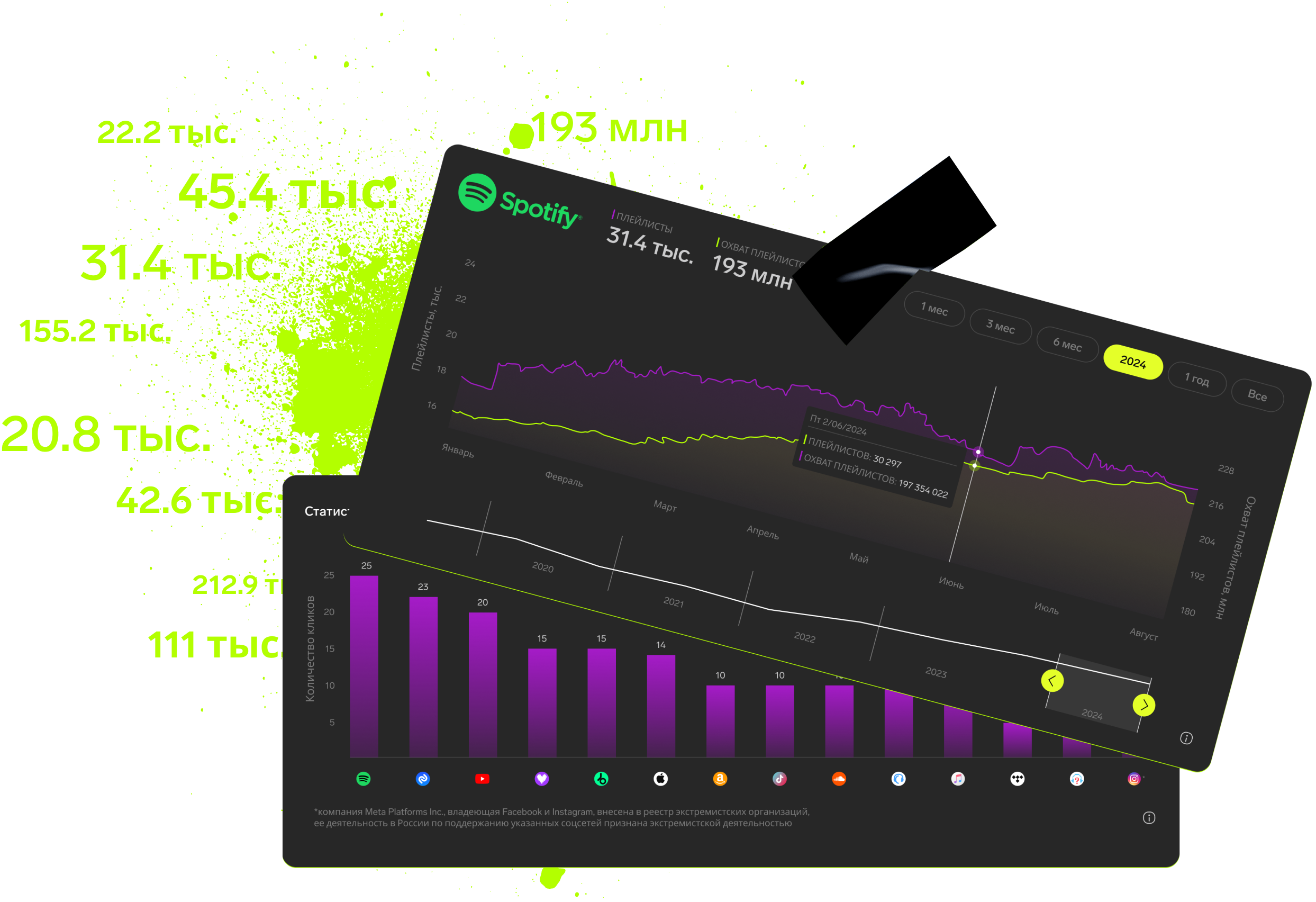
- Following Pages: Detailed stats per selected platform (playlists, charts, engagement).
Now you can analyze data offline in a convenient PDF — build strategies without internet, share with your team, and dig deeper!
Log in and test it now!
Subscription includes

Detailed track analytics
AI assistant
Real-time activity feed
Notifications about new streams, playlists and mentions
Automatically imported catalog
Pricing
Choose the right option and find out the final price
Maximum number of artists
Subscription duration
Total
$
Monthly cost per artist
$
By clicking the «Proceed to payment» button, you agree to the Privacy Policy
Couldn’t find the right option?