Delete Tracks or Links with One Click
10 Dec 2025
Now, to request deletion of a track or one of its links, just click the trash icon next to the track on the "Catalog" tab.
To delete a track or its link, check the box next to the selected track and click the trash icon. If you only want to remove a single link, paste the track's URL from the specific music platform into the pop-up window that appears.
This automatically sends us a deletion request for the specified track, which we'll process as quickly as possible. This streamlined approach makes content management faster and easier, letting you quickly clear out unwanted or outdated tracks from your catalog.
Subscription includes

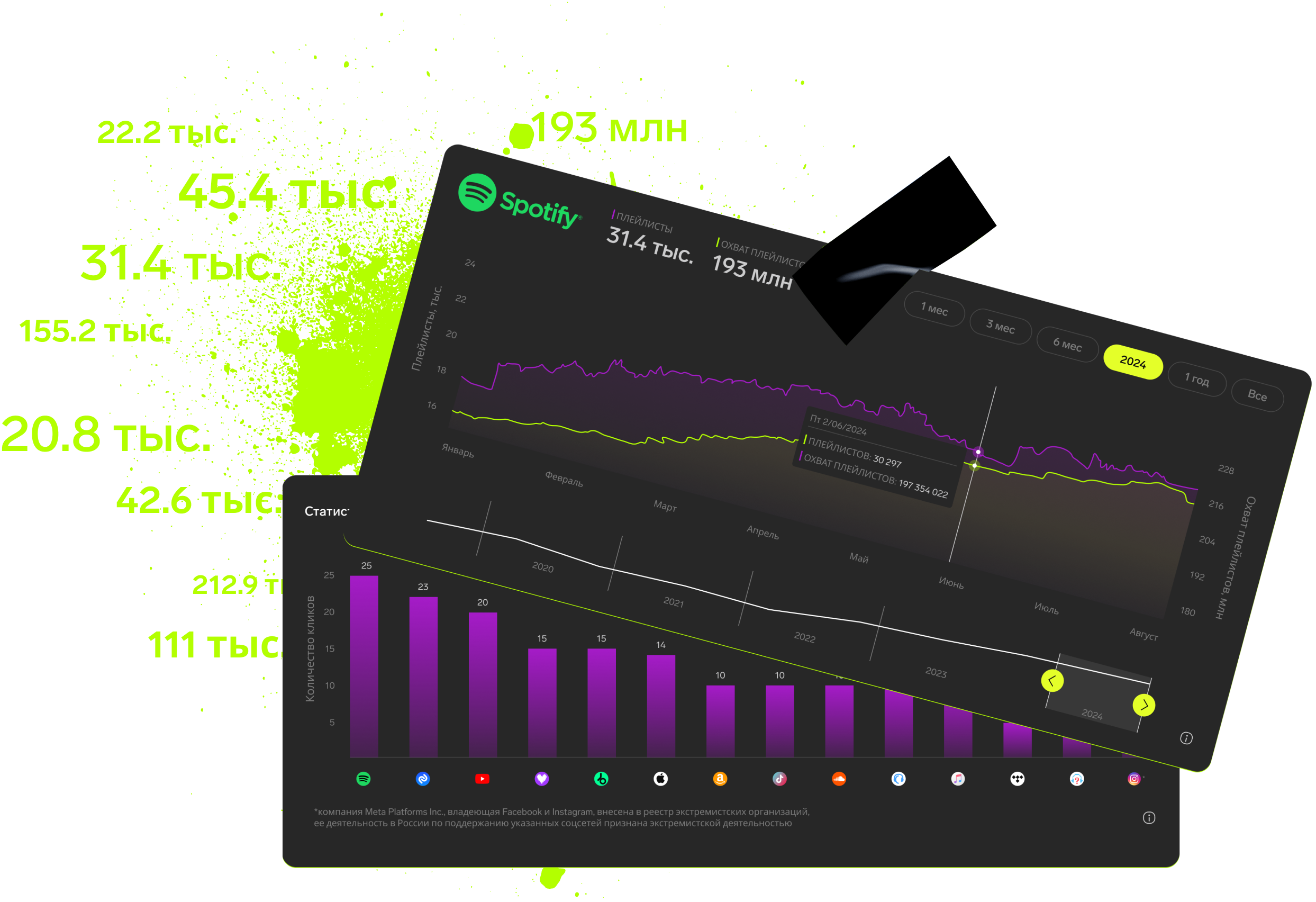
Detailed track analytics
AI assistant
Real-time activity feed
Notifications about new streams, playlists and mentions
Automatically imported catalog
Pricing
Choose the right option and find out the final price
Maximum number of artists
Subscription duration
Total
$
Monthly cost per artist
$
By clicking the «Proceed to payment» button, you agree to the Privacy Policy
Couldn’t find the right option?